
- Uninstall OpenOffice.org
sudo apt-get purge "openoffice*.*" - Tambahkan repository ppa LibreOffice
sudo add-apt-repository ppa:libreoffice/ppa - Update repository
sudo apt-get update - Install LibreOffice
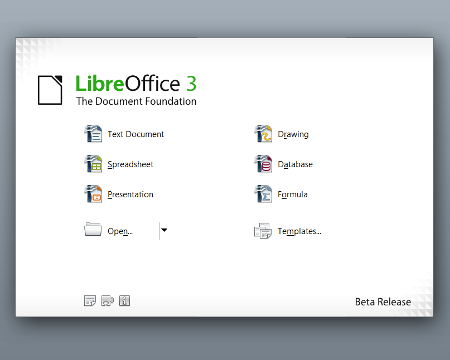
sudo apt-get install libreoffice libreoffice-gnome language-support-en
sumber :
http://news.softpedia.com/news/How-to-Install-LibreOffice-in-Ubuntu-10-10-and-Ubuntu-10-04-177762.shtml
Vikrie - 2012
إرسال تعليق